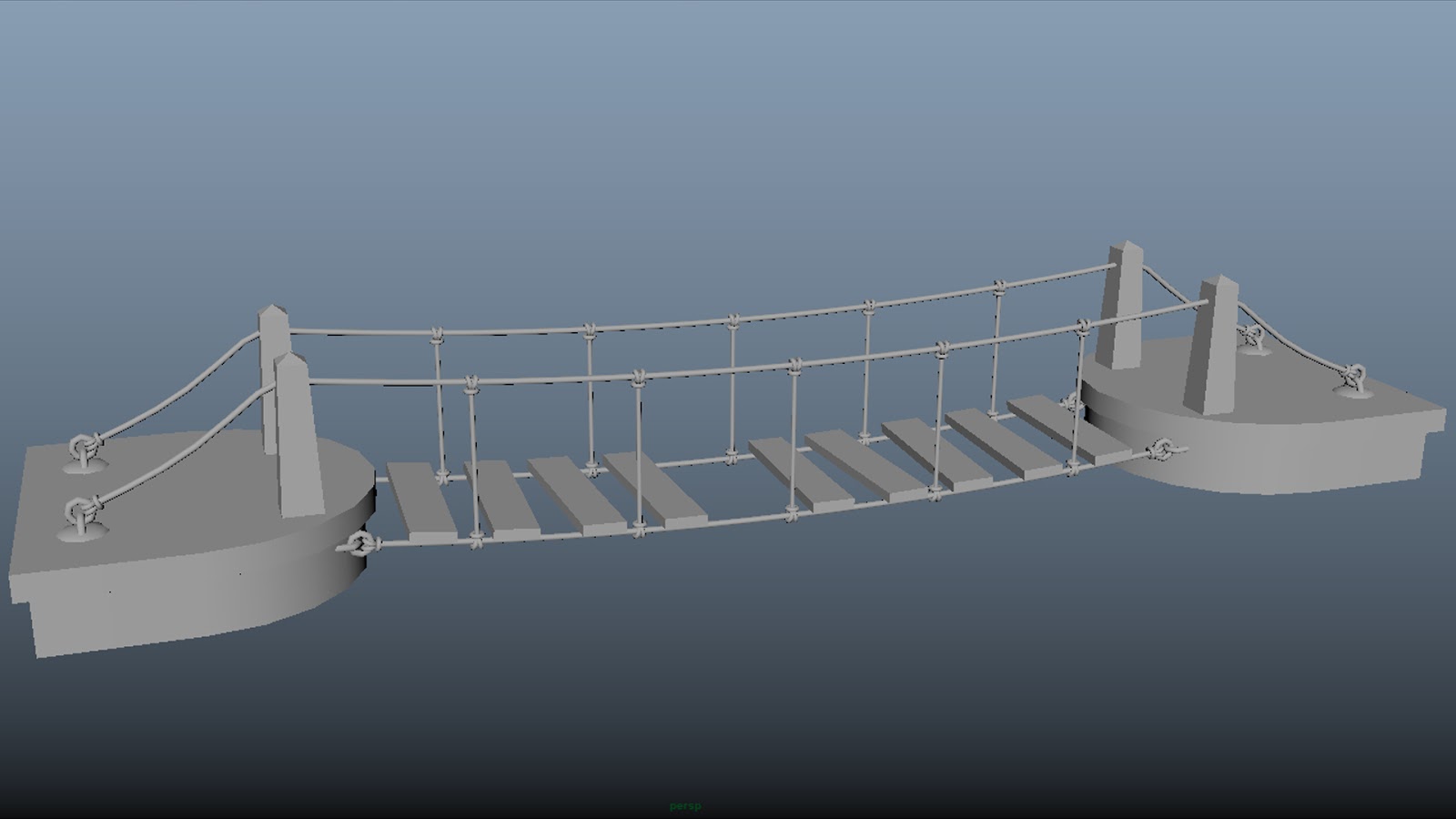
High-Res Bridge Modelling
Showing posts with label modelling. Show all posts
Saturday, 7 May 2016
Thursday, 21 April 2016
Adaptation B - Maya progress
Today I started adding shaders to my scene and Alan showed me how to use the ambient occlusion effectively to bring the scene to life. Below are the original scene in Maya, the hypershade showing the plug-ins to the shaders and the rendered scene so far.
![]() |
| Original Maya scene |
![]() |
| Hypershade |
![]() |
| Rendered scene so far |
Thursday, 14 April 2016
Adaptation B - Maya progress
I am working on the model in the middle for the Beachcomber's cottage. I'm using lattice deformers to create a more organic and tangible shape. I want the buildings to look like toys with trees and bushes which look like they are made from card. I'm hoping to achieve a world which looks like a child's play area that they have set up themselves.
This is the floor plane for my scene which is set on a beach. I enjoyed making this and Alan showed me a quick way of putting it together.
Saturday, 25 April 2015
FV - Cell modelling complete
Healthy and unhealthy cells now complete, so my characters are finally now finished in Maya. As with the Virus characters, I just to animate them and work on them in Flash now.
Healthy Cell modelled and rigged
Unhealthy Cell modelled and rigged
Monday, 16 February 2015
FSTS - Scene 1 animating
Scene One - mostly animated! Just need to animate Scenes Two and Three and then tweak the timing before moving on to camera shots. Really enjoying this part. :)
FSTS - The beginnings of Pre-viz
I began the pre-viz of my story today in Maya. It seemed to come together pretty quickly as the kitchen is mainly made up of planes and cubes. I've used the pre-modeled characters from Alan's tutorials but just adapted them to suit my characters. Both have been given chequered trousers and white chefs jackets. I've tried to make the pot wash boy slightly shorter and plumper and the pastry chef taller and thinner with an added tote and moustache! I need to add more props and textures and then I will begin animating.
Potwash
Once added into the scene, I made him even plumper and much shorter
Pastry chef
Once in the scene, I made him much taller and slightly thinner
Kitchen
The beginnings of modeling the kitchen and trying to gauge scale and spacing
Tuesday, 9 December 2014
Modelling in Maya
At the back I've added a couple more planes to layer up the backdrop and I've also managed to model the 'theatre' from my concept art. This one was really daunting, but Simon suggested starting with a polygon helix which I've then warped, extruded and rotated to create this shell-like structure.
It's looking a tad messy at the moment, but I'm hoping a bit of texturing and lighting will help tidy that up! Plodding on...
Wednesday, 3 December 2014
WIM - Building sketches
As per Jordan's instructions I'm putting these sketches up! I always forget to put sketchbook work on my blog and I did these a while ago. These are the buildings I'm hoping to model in Maya.

These are a couple of pages just getting my head around how the walkway will work. I started off with having straight poles which could be raised or lowered to change the height and shape of the canopied walkway, but after sketching some ideas I thought it'd look better as curved supports. Then these can be bent more or less to create height. Might look at insects and caterpillars to see how their legs work in the same way to raise and lower their bodies.
I see this as the main building in my city - some sort of Town Hall.
This I saw as a school or university. A very airy and light building with the option of opening up the sides to create an indoor/outdoor space. The interior would allow for rooms to be created or opened up as necessary with the use of canopies and screens.
I really, really want to model this in Maya, but know that it will be super-tricky. Jordan's given me some pointers so I think I'll get the other buildings out the way and then tackle this one at the end. I could create it on a matte painting, but I think that would be cheating a bit and I really want to have a go at modelling it.
These are a couple of pages just getting my head around how the walkway will work. I started off with having straight poles which could be raised or lowered to change the height and shape of the canopied walkway, but after sketching some ideas I thought it'd look better as curved supports. Then these can be bent more or less to create height. Might look at insects and caterpillars to see how their legs work in the same way to raise and lower their bodies.
So when it came to Maya I was struggling with how to create the building shapes. I tried starting with cubes and cylinders, creating curves and deleting faces. After speaking to Jordan it turns out I can create the buildings with the exact same effect I used in the beginning when doing my concept art in Photoshop, using planes and then warping and skewing them to create shapes. The work above is what Jordan did, so I will try and recreate it myself now. This is the way I believe Issey Miyake would have worked had he been creating his own city. The animation tools will come in handy to add the bends I need, so lots of practicing making bendy shapes for me. I'm hoping the pleating effect can be replicated in this way too.
Monday, 3 November 2014
Maya tutorial - Pencil & Eraser texturing
So today I got to texture the pencil and eraser I modelled in Maya some time ago. Very nice to see them looking finished, though I know I have to sort out the lighting. This will come along in the next tutorial...
Modelled in Maya
Textured!
Maya Tutorial - UV Maps
The images seems to have slipped a little bit when I moved them in from Photoshop, but they are pretty much there!
Monday, 6 October 2014
My pencil has two normal eyes!!
Maya tutorial - Character Modelling
Although it seemed to take me FOREVER to do this tutorial, I got there in the end! I am persevering with Maya and want to love it. The offset option hates me, but I will coax it into my way of thinking. I also don't seem to get along with the way the bevel tool is used in the tutorials, but have found an alternative way of getting it to do what I want. I'm assuming this is just the difference between the versions of Maya (I'm using 2015)?
Why does my pencil have a black eye?!! So I modelled my first eye with no problems, but when I duplicated it (using the -0.5 scale on the axis), the new eye appeared completely black. (There is a pupil there too, honestly). I can't work out why this is and attempted the duplication several times. Not sure if it's something to do with me having a different axis view to the tutorial maybe - I can't work it out!
My eraser needs to pick its eyes off the floor. Felt like by this point, I was gaining a bit more confidence, although my neck is hurting and my forehead has many more frown lines.
Complete! Any clues on the black eye...?!
Sunday, 5 October 2014
Maya tutorial 1 - Modelling egg cups
Ooooh look! My first polygon and NURBS eggcups in Maya! Over the moon with these and actually enjoyed modelling them. Had a few frustrations, but persevered and everything turned out alright in the end. Love it! Onto the next...
Subscribe to:
Posts (Atom)